


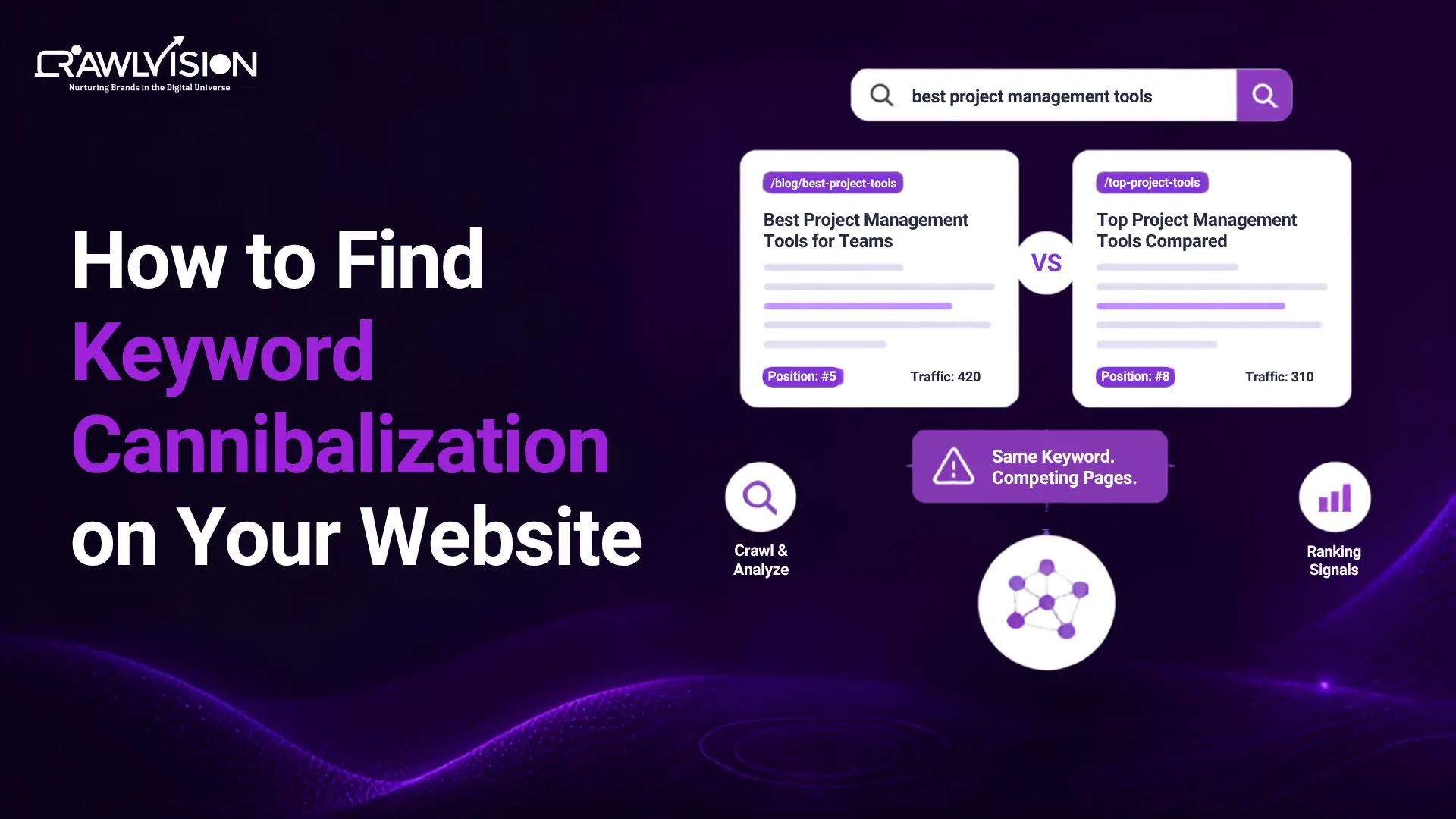
Quick Answer: You can find keyword cannibalization by mapping search queries to their ranking URLs, then comparing search intent, rankings, clicks, impressions, and content overlap. Google Search Console, rank-tracking data, and sitewide keyword-to-URL analysis can reveal pages competing for the same searches.
What Is Keyword Cannibalization?
Keyword cannibalization is an SEO issue where two or more pages on the same website compete for substantially the same search intent, causing search engines to have difficulty determining which page is the best result.
For example, imagine a website has these three pages:
- /seo-audit
- /website-seo-audit
- /seo-audit-guide
If all three pages target essentially the same audience, answer the same questions, and compete for similar queries, the site may have an overlap problem.
Keyword Cannibalization vs. Keyword Clustering
Keyword clustering and keyword cannibalization can look similar, but they are not the same.
Keyword clustering involves grouping closely related queries that can be covered by the same page or content topic. For example, “technical SEO audit,” “technical SEO audit checklist,” and “technical website audit” may belong to one content cluster.
Keyword cannibalization occurs when separate pages unintentionally target substantially the same search intent.
A simple way to distinguish them is: Keyword clustering organizes related queries. Keyword cannibalization occurs when separate pages compete for the same intent.
What Does Keyword Cannibalization Look Like? 4 Signs to Check
Several patterns can indicate possible keyword cannibalization.
- Two pages repeatedly alternate in rankings
One URL ranks well for a query, then another URL from the same site takes its place. If this pattern continues over time, investigate whether both pages target the same intent.
- Multiple URLs rank for the same query
Google Search Console can show which pages appeared for a particular query. Multiple URLs appearing is a useful investigation signal, but it is not proof of cannibalization by itself.
- The wrong page ranks
Suppose you created a detailed service page targeting “technical SEO services,” but an older blog post keeps appearing for that query. This may indicate that Google sees the older page as a relevant result.
- Pages have nearly identical search intent
Two pages may use different primary keywords while answering the same underlying question. When users would consider both pages interchangeable, the overlap deserves closer attention.
Important: Ranking multiple pages for the same keyword does not automatically mean keyword cannibalization. The pages need to be evaluated for search intent, content overlap, URL performance, and whether they serve distinct purposes.
Methods to Identify Keyword Cannibalization
The simplest way to identify keyword cannibalization is to map important search queries to their ranking URLs, then check whether multiple pages target the same intent and compete for visibility.
1. Use Google Search Console
Google Search Console is one of the most useful starting points because its Performance report lets you analyze queries and pages alongside clicks, impressions, CTR, and average position.
To investigate a potential cannibalization issue:
- Open Performance > Search results.
- Select the Queries tab.
- Find an important query.
- Click the query to filter the report.
- Open the Pages tab.
- Check which URLs received visibility for that query.
Google specifically enables you to select a query and then view the pages shown for it.
Look for cases where multiple URLs repeatedly receive meaningful impressions or clicks for closely related queries.
2. Compare Queries and URLs
Don’t stop after finding two URLs for one keyword. Compare the actual query sets associated with each page.
For example:
| Query | URL A | URL B |
| technical SEO audit | High impressions | Low impressions |
| technical SEO audit checklist | High impressions | High impressions |
| how to do a technical SEO audit | High impressions | High impressions |
If both URLs consistently attract the same group of queries, examine whether their content serves different purposes or essentially answers the same questions.
Search Console allows you to filter and group performance data by queries and pages, making this comparison possible.
3. Use a Rank Tracking Tool
Rank-tracking software can make cannibalization easier to spot at scale. Look for features or reports that show:
- Multiple ranking URLs for one keyword
- Historical ranking changes
- URL switching
- Keyword-to-URL relationships
- Ranking volatility
Historical data is particularly useful. A single ranking snapshot may show two URLs, while several months of data can reveal that Google repeatedly switches between them.
4. Run a Sitewide Keyword and URL Analysis
For larger websites, manually checking individual queries can become inefficient.
Export your ranking data and create a keyword-to-URL map. Then group related queries and identify keywords associated with multiple URLs. A useful workflow is:
Queries → Ranking URLs → Search intent → Performance → Content overlap → Action
Pay particular attention to pages that target the same topic but were created at different times. Older blog posts, service pages, category pages, and newer guides can gradually develop overlapping targets.
5. Compare the Actual Content and Search Intent
This is one of the most important checks. Open the competing pages and compare:
- Primary topic
- Search intent
- Target audience
- Page type
- Title and H1
- Main questions answered
- Products or services covered
- Conversion goal
- Depth and format of content
If two pages target different keywords but satisfy the same user need, they may still have keyword cannibalization or a content-architecture problem.
How to Confirm Keyword Cannibalization
You can confirm keyword cannibalization when multiple pages repeatedly compete for the same search intent and show meaningful overlap in queries, rankings, content, or performance.
A stronger diagnosis usually includes several signals:
- The pages target the same or very similar search intent.
- They repeatedly rank for the same important queries.
- Their ranking URLs switch over time.
- One page ranks when another would better satisfy the query.
- The pages contain substantial topic or content overlap.
- Both pages are trying to fulfill the same business or conversion goal.
In our website audits at Crawl Vision, we often look for this type of overlap, especially when an older informational page starts attracting visibility for queries intended for a more relevant commercial page.
This is a particularly useful signal because the problem is not simply that both pages mention the same keyword. The issue is that the wrong page may be attracting visibility for a query with a different intended destination.
How to Fix Keyword Cannibalization
Once you’ve confirmed genuine overlap, choose the solution based on the pages involved.
1. Consolidate Similar Pages
If two pages provide substantially the same value, consider combining them into one stronger resource.
This can concentrate useful content and avoid maintaining multiple pages with the same purpose.
2. Redirect the Weaker or Redundant Page
After consolidation, a 301 redirect can send users and search engines from the old URL to the preferred page when the old page no longer needs to exist independently.
Don’t redirect a page simply because it ranks lower. First determine whether it is genuinely redundant.
3. Re-target Pages With Different Search Intent
If both pages are valuable, give each a clearer purpose.
For example:
- SEO audit services → commercial intent
- How to perform an SEO audit → informational intent
The goal is not simply to change keywords. The content itself should satisfy a distinct need.
4. Strengthen Internal Linking
Use a strong internal linking strategy and descriptive anchor text to make relationships between your pages clearer.
Google recommends using contextual internal links to help users and Google understand your site’s content and discover important pages.
5. Use Canonicalization Where Appropriate
Canonicalization can help when multiple URLs contain duplicate or substantially similar content, and you want to indicate which URL should be treated as the representative version.
However, a canonical tag is not a universal solution for two pages that serve different search intents. Google’s documentation describes canonicalization as a way to identify the representative URL among duplicate pages, and a canonical preference is a hint rather than an absolute rule.
6. Keep Intentional Overlap
Not every overlap needs fixing.
Keep both pages when they have distinct search intent, serve different audiences, provide different formats, or offer enough unique value to justify separate URLs.
Should You Merge, Redirect, or Re-target?
Use the page’s purpose rather than its ranking position to decide what to do.
| Situation | Recommended action |
| Same intent and substantial content overlap | Consider consolidation |
| One page is genuinely redundant | Consider a redirect |
| Both pages serve different intents | Re-target and differentiate |
| Duplicate or near-duplicate URLs | Consider canonicalization |
| Related pages with distinct purposes | Keep both |
The objective is not to reduce the number of pages. It is to make each important page’s purpose clearer.
Common Keyword Cannibalization Mistakes to Avoid
Avoid these common mistakes when auditing your site:
- Assuming two ranking URLs automatically mean cannibalization
- Merging pages without comparing search intent
- Deleting a page simply because it ranks for a similar keyword
- Looking only at average position instead of clicks and impressions
- Using canonical tags as a blanket fix
- Ignoring historical ranking data
- Changing keywords without differentiating the actual content
- Focusing on exact-match keywords instead of the underlying topic and intent
Search Console itself recommends looking at trends in clicks and impressions rather than relying on position alone when assessing performance.
Conclusion
Finding keyword cannibalization is not simply about spotting similar keywords. A better approach is to identify potential overlap, compare search intent and page performance, review the actual content, and then decide whether the pages need to be consolidated, redirected, or re-targeted.
This is the approach we follow at Crawl Vision when auditing websites: we look beyond keyword overlap to understand how pages compete, where their purposes overlap, and what action, if any, makes sense.
The goal is not to eliminate all keyword overlap, but to ensure each page has a clear purpose and serves a distinct search intent.

