


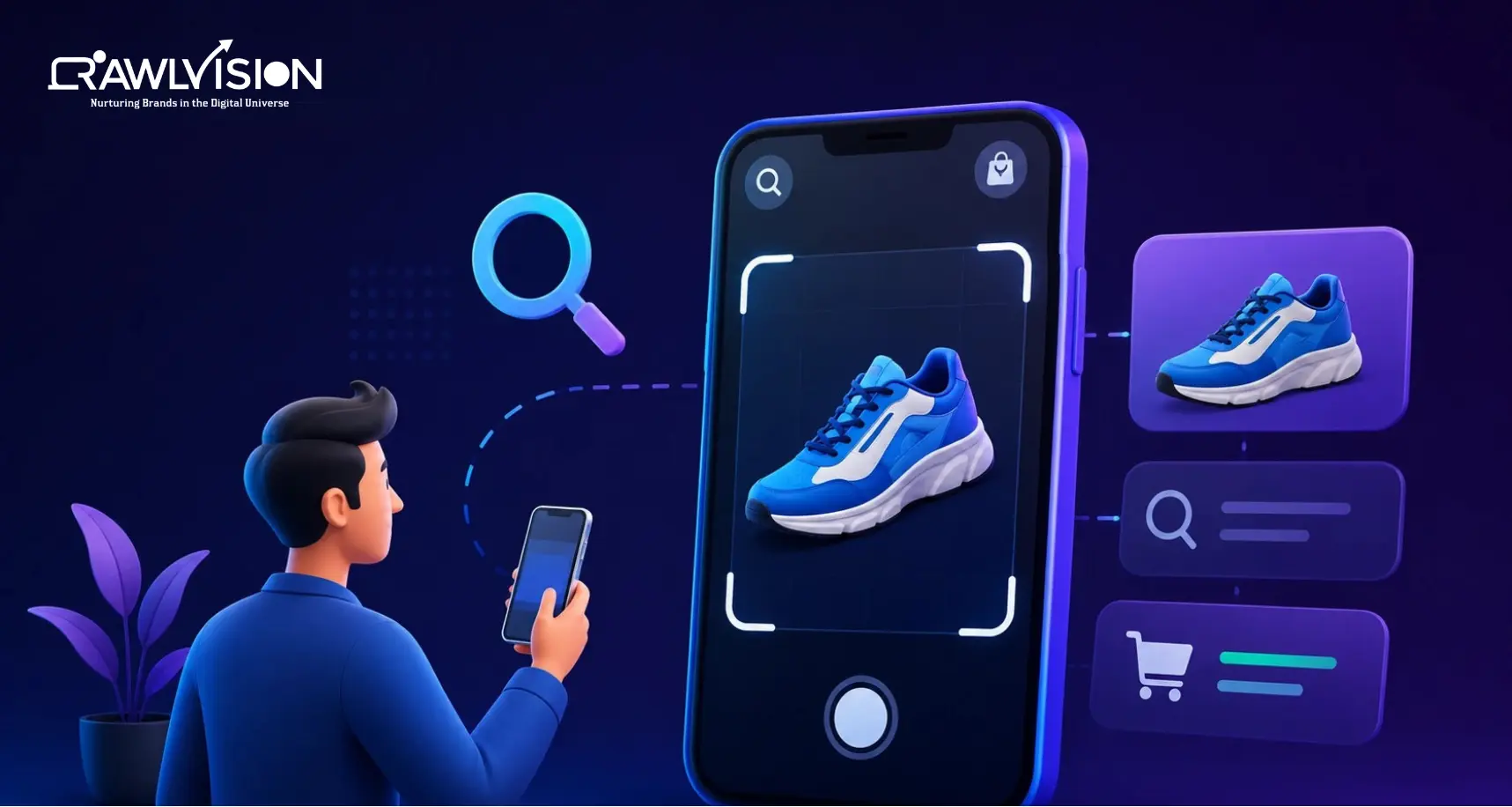
The rise of visual search in 2026
In 2026, visual search optimization has evolved from an experimental tactic into a core pillar of modern SEO strategy. With Google Lens processing over 12 billion queries per month, Google Lens SEO is now as important as traditional keyword-based search for e-commerce brands, local businesses, and content marketers.
This step-by-step guide covers everything you need to optimize your content for Google Lens, image search, and AI-powered visual discovery engines, including AEO and GEO strategies to capture visual search traffic in 2026.
1. What is visual search and how does Google lens work?
Visual search allows users to search using images instead of text. Instead of typing ‘red running shoes’, a user photographs a shoe, and Google identifies it, shows similar products, and surfaces relevant pages.
Google Lens uses a combination of:
- Computer vision AI identifies objects, text, faces, landmarks, and products within images
- Knowledge Graph matching connects identified entities to Google’s knowledge base
- Contextual page analysis examines the surrounding page content to confirm image relevance
- Structured data reads schema markup to understand product type, price, and availability
2. Why visual search optimization matters for marketers
2.1 Shopping and e-commerce
Over 55% of online shoppers in 2026 use visual search to find products. Google’s Shopping Graph now indexes product images for Google Lens, meaning your product photos can surface directly in visual search results without a user ever typing a keyword.
2.2 Local business discovery
Users photograph storefronts, menus, and products to find local businesses. Optimizing your Google Business Profile images with proper image SEO makes your business discoverable through Google Lens local search.
2.3 Content and blog traffic
Infographics, diagrams, and original photography optimized for visual search drive referral traffic from Google Image Search, Google Discover, and Google Lens, three of the fastest-growing organic traffic channels in 2026.
3. Step-by-step Google lens and visual search optimization guide
Step 1: image file optimization
- File name: Use descriptive, keyword-rich file names. ‘red-running-shoes-nike-2026.jpg’ beats ‘IMG_4821.jpg’ for image SEO
- File size: Compress images to under 150KB using WebP format, Google’s preferred image format for visual search indexing
- Resolution: Minimum 1200x1200px for product images. Higher resolution improves Google Lens recognition accuracy
- Format: Use WebP (primary), JPEG (fallback), PNG (logos/graphics with transparency)
Step 2: alt text optimization
Every image on your site must have a descriptive alt text that includes your focus keyword, describes what is in the image, and provides context. This is the single most important image SEO signal for visual search optimization.
Example: alt=’Nike red running shoes with mesh upper, side view, 2026 model’
Step 3: structured data for images
Implement the Image Object schema for all key images. For products, use the Product schema with the ‘image’ property. This feeds Google’s Shopping Graph and makes your images eligible for Google Lens rich results.
Step 4: page context alignment
Google Lens analyzes the entire page when evaluating an image. Ensure your page content, headings, and surrounding text are topically aligned with your image content. A shoe image on a page titled ‘Best Running Shoes 2026’ ranks higher in visual search than the same image on an off-topic page.
Step 5: image sitemap submission
Create a dedicated image sitemap or include image tags in your main sitemap. Submit to Google Search Console. This accelerates image indexing and significantly improves visual search discoverability.
Step 6: open graph and social meta tags
Add Open Graph image meta tags to every page. These control how images appear when your content is shared on social media, and they also feed Pinterest’s visual search engine, the second-largest visual search platform after Google in 2026.
4. Aeo for visual search: answering visual queries
Answer Engine Optimization (AEO) for visual search means your images and surrounding content directly answer visual queries. When someone uses Google Lens on a product and asks Where can I buy this?, your page needs to provide a direct, structured answer.
- Add FAQ schema to product and image pages with common visual questions
- Use clear captions below images that describe the subject, use, and context
- Include price, availability, and product specs near product images with Product schema AI answer engines read these to cite your page
5. Geo for visual search: getting cited by AI
Generative Engine Optimization (GEO) for visual search involves making your visual content AI-citation-worthy. Google Gemini and AI Overviews increasingly reference specific images when answering visual queries.
- Use original photography: AI engines prioritize unique, original images over stock photos
- Add EXIF metadata: Include relevant keywords, location, and author data in image EXIF fields
- Publish image-focused landing pages: A dedicated page for each key image or visual topic increases GEO citation potential
- Earn image backlinks: Pages that link to your images as sources boost visual search authority
6. Visual search optimization checklist
|
Task |
Priority | Impact |
|
Descriptive keyword-rich file names |
High |
Image SEO, Google Lens indexing |
|
Alt text on every image |
High |
AEO, accessibility, visual search rank |
|
WebP format + under 150KB |
High |
Page speed, indexing speed |
|
Image Object or Product schema |
High |
Rich results, Shopping Graph |
| Image sitemap submission | Medium |
Faster indexing |
|
EXIF metadata optimization |
Medium |
GEO signals |
|
Open Graph image tags |
Medium |
Social + Pinterest visual search |
|
Original photography over stock |
High |
GEO, uniqueness signals |
|
Page content topical alignment |
High |
Context relevance for Google Lens |
|
FAQ schema on image pages |
Medium |
AEO for visual queries |

