


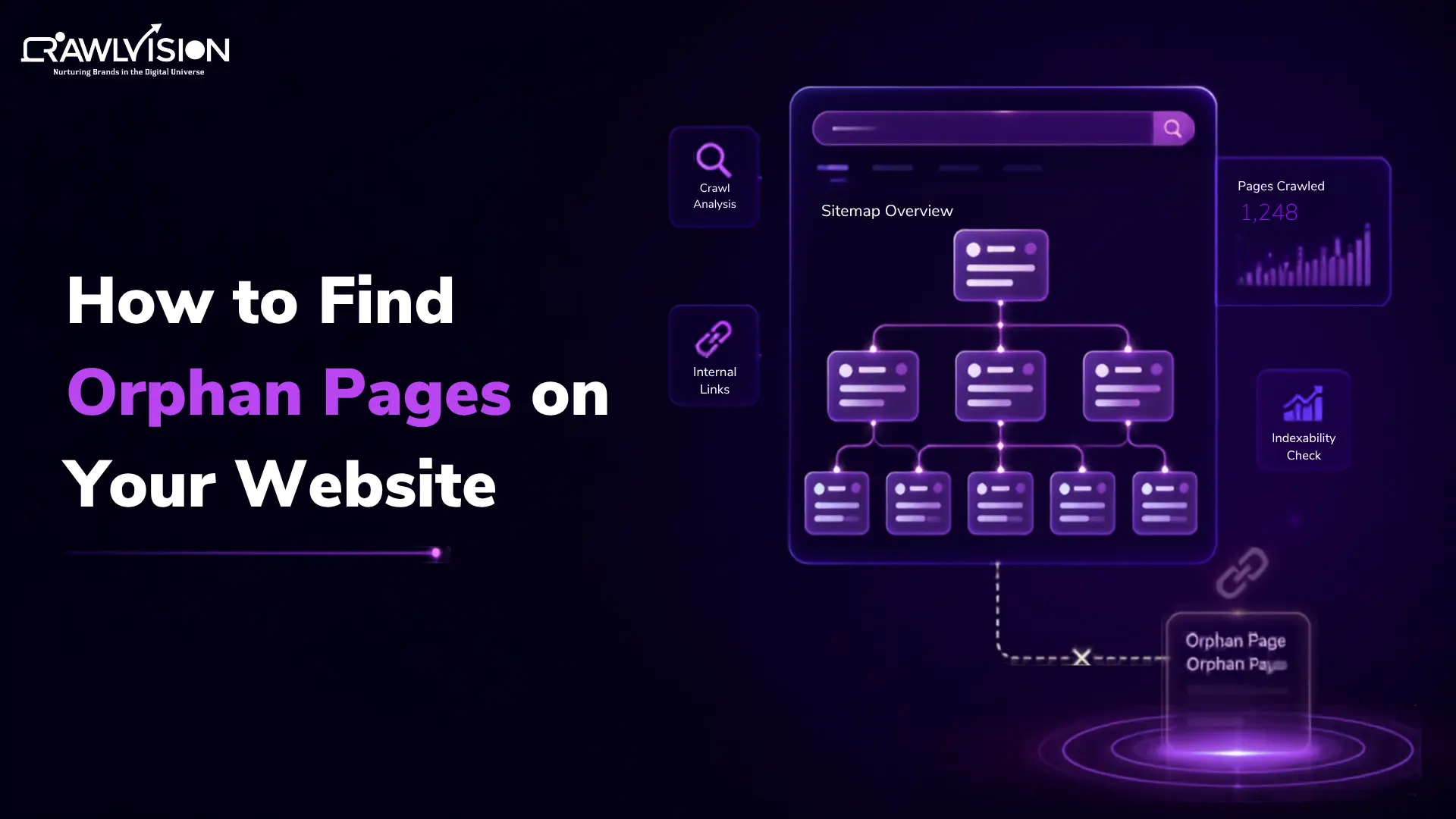
Quick answer: An orphan page is a page that has no internal links pointing to it from other crawlable pages on your website. You can find orphan pages by comparing URLs discovered through a site crawl with URLs from your XML sitemap, Google Search Console, analytics data, and other URL sources. Once identified, review whether each page should be internally linked, updated, consolidated, redirected, or removed.
What Are Orphan Pages?
An orphan page is a webpage that exists on your website but has no internal links pointing to it from other pages.
For example, suppose you publish a blog post at:
“example.com/seo-audit-guide”
The page is live and included in your sitemap, but no other page on your website links to it. That page is an orphan page.
This is different from a page that is simply buried several clicks deep in your site. A deeply buried page still has internal links pointing to it. An orphan page has no internal path from other pages.
Why Are Orphan Pages an SEO Problem?
Orphan pages are not automatically harmful, but they can create SEO problems when important content becomes disconnected from the rest of your website.
-
Search engines may have difficulty discovering them
Internal links give search engines paths to discover pages. When an important URL has no internal links, you are removing one of the most useful discovery paths.
This can also matter for AI crawlers that discover website content through links and other accessible URL paths.
A sitemap can help, but it should not replace a logical internal linking structure.
-
They receive little or no internal link equity
Internal links help distribute signals and context across your website. An important page with no internal links pointing to it misses opportunities to receive that support.
-
They can become disconnected from your site’s topical structure
A strong website architecture shows how related pages connect. Orphaned content can sit outside that structure, making it harder for users and search engines to understand where the page fits.
-
Important pages may receive less organic visibility
If a valuable product, service, category, or article is disconnected from relevant pages, it may not receive the internal support it deserves.
-
They can indicate broader internal linking problems
A large number of orphan pages may point to a publishing or site architecture issue. Your team may be creating new content without updating older pages or adding relevant internal links.
How to Find Orphan Pages on a Website: 5 Key Methods
The most reliable approach is to combine multiple URL sources rather than relying on one tool.
Method 1: Crawl Your Website
Start with a site crawler that follows your internal links.
The crawl gives you a list of URLs that can be reached through your site’s current internal linking structure.
Export the discovered URLs and compare them against your complete URL inventory.
Pages that exist in your URL inventory but are not discovered through internal links become potential orphan pages.
The word “potential” matters. A crawler alone cannot always tell you whether a page is intentionally isolated or simply overlooked.
Method 2: Compare Your Crawl With Your XML Sitemap
Your XML sitemap provides another useful URL source. Google’s sitemap documentation explains that sitemaps help search engines discover URLs and understand which pages and files are important
Compare the URLs in your sitemap with the URLs discovered during your crawl.
If a URL appears in the sitemap but your crawler cannot reach it through internal links, investigate it.
However, sitemap presence does not prove that a page is an orphan. Google can use sitemaps as a discovery source, and not every URL listed in a sitemap is guaranteed to be crawled or indexed.
Method 3: Use Google Search Console
Google Search Console can provide another layer of information when investigating potential orphan pages.
Useful areas include:
- Page indexing: Check whether Google knows about or has indexed the URL.
- URL Inspection: Investigate how Google sees a specific page.
- Links report: Review internal links pointing to pages.
- Sitemaps: Compare URLs submitted through your sitemap with indexing information.
Google’s Links report includes internal link targets, while URL Inspection can show information about how Google crawled and processed an individual URL.
Search Console is not a one-click orphan-page detector. It works best when combined with your crawl and other URL sources.
Method 4: Compare Analytics Data With Your Crawl
Analytics can reveal pages that are receiving visits even though your crawler cannot find internal links pointing to them.
For example, imagine your crawl identifies 2,000 internally connected URLs. Your analytics data contains another URL that received organic traffic last month, but that URL does not appear in the crawl.
That page deserves investigation. It could have:
- External backlinks
- Organic search visibility
- Referral traffic
- Direct traffic
- Historical links from pages that were recently removed
This method can uncover valuable pages that are easy to miss during a standard crawl.
Method 5: Use an Orphan Page Checker
An orphan page checker can automate part of this process by combining crawl and log data with other URL sources.
Depending on the tool, these sources may include:
- XML sitemaps
- Google Search Console
- Analytics
- Backlinks
- Internal crawl data
The important thing is not simply finding URLs. The tool should help you determine which URLs have no internal links and whether they deserve attention.
How to Confirm Whether a Page Is Really Orphaned
Before changing an orphan page, investigate why it is disconnected. You can do this by asking:
- Does another page link to it?
- Is the page intentionally isolated?
- Is it included in the XML sitemap?
- Is it indexed or receiving search traffic?
- Does it have valuable backlinks?
- Does the page still serve a purpose?
- Is similar content already available elsewhere?
- Should the page remain on the website?
This prevents a common mistake: treating every orphan page as something that must be deleted.
How to Fix Orphan Pages
Once you identify an orphan page, choose the action based on its purpose and value.
| Situation | Recommended action |
| Valuable page with search potential | Add relevant internal links |
| Important commercial page | Link from relevant high-value pages |
| Useful but outdated content | Update it and connect it to related content |
| Duplicate or overlapping page | Consolidate where appropriate |
| Outdated page with a suitable replacement | Consider a relevant redirect |
| Page with no useful purpose | Remove it when appropriate |
| Intentionally isolated page | Keep it isolated if there is a valid reason |
When adding links, prioritize relevant contextual links, rather than adding random links simply to remove an orphan-page warning.
How Internal Linking Affects Orphan Pages
Internal linking is one of the simplest ways to prevent valuable pages from becoming orphaned. Google recommends making sure important pages can be reached through links and notes that internal links help Google find other pages on your site.
When you publish a new article, look for older pages where a link would genuinely help the reader. Likewise, when updating an older article, check whether newer relevant content should be linked from it.
A good internal linking strategy should look beyond orphan pages and identify:
- Important pages with very few internal links
- Pages buried too deeply in the site structure
- Relevant pages that should be connected
- Sections with weak topical relationships
The goal is not to maximize the number of links. It is to create a clear, useful path between related pages.
Do Orphan Pages Waste Crawl Budget?
Not necessarily. An orphan page can still be discovered through a sitemap or other sources, so being orphaned does not automatically mean it wastes crawl budget.
Crawl budget becomes a more relevant concern for very large websites with hundreds of thousands of URLs, and it’s worth understanding how crawl budget works before you assume it’s the culprit behind a discovery problem. Google’s own documentation specifically discusses crawl-budget management in the context of large sites.
For most smaller websites, the bigger concern is usually discoverability, internal linking, and site architecture, rather than crawl budget alone.
Orphan Pages vs. Dead Pages vs. Broken Links vs. 404 Error
These terms describe different problems:
| Issue | What it means |
| Orphan page | A live page with no internal links pointing to it |
| Dead page | Usually refers to an outdated, unused, or low-value page |
| Broken link | A link that points to a URL that does not work |
| 404 page | A URL that returns a not-found response |
Understanding the difference matters because each problem requires a different solution. You may add internal links to an orphan page, while a genuinely obsolete page may need consolidation or removal.
Conclusion
Finding orphan pages is only the first step. The real SEO value comes from understanding why a page is disconnected and whether it deserves to remain that way.
Use a combination of site crawls, XML sitemap data, Search Console, analytics, and other URL sources to build a reliable list of potential orphan pages. Then prioritize valuable pages, strengthen relevant internal links, and remove or consolidate content that no longer serves a purpose.
A regular internal linking audit, as we do for our clients at Crawl Vision, can help prevent the same problem from returning as your website grows.

