


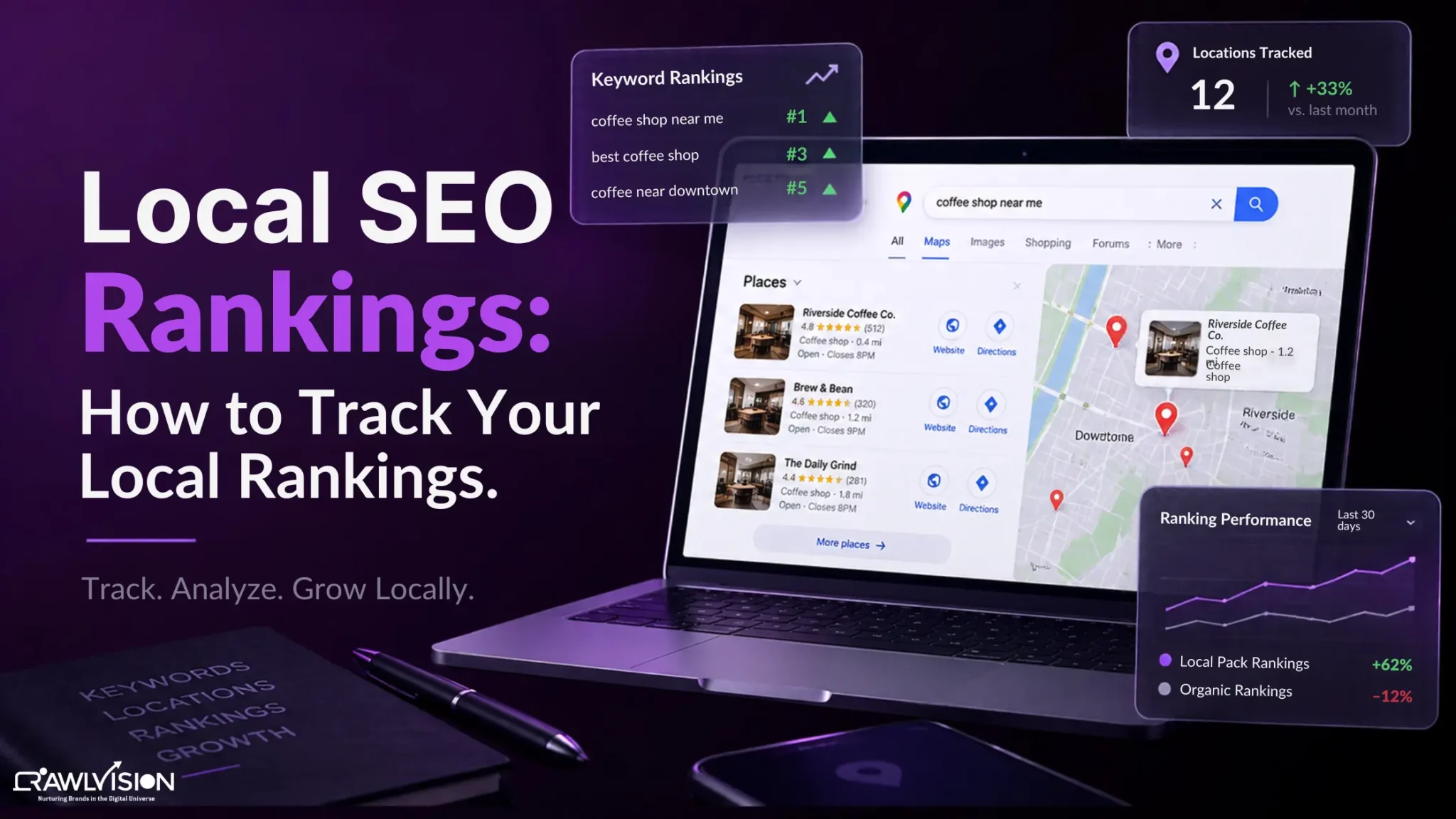
To track local SEO rankings, monitor your target keywords from specific locations in Google Search and Google Maps, record ranking changes over time, and compare them with Search Console and Google Business Profile performance.
What Are Local SEO Rankings?
Local SEO rankings show where a business appears when people search for relevant products or services in a specific area. They can include traditional organic results, the local pack, and Google Maps results.
Unlike a standard keyword ranking, a local ranking is tied closely to location and search context. For example, a dental clinic might rank highly for “dentist near me” close to its address but appear lower for a search made several miles away.
This is why tracking one ranking from one device does not tell you the full story.
Why Do Local SEO Rankings Vary by Location?
Local SEO rankings vary because Google considers factors such as relevance, distance, and prominence when determining local results. Google states that these are the main factors behind local ranking.
The practical effect is simple: two people can search the same local keyword and see different businesses or rankings. A restaurant may be highly visible to someone nearby but less visible across the other side of the city.
Your tracking process should therefore reflect the area you actually serve. If you operate across several neighborhoods, cities, or service areas, tracking only your business address can hide important visibility gaps.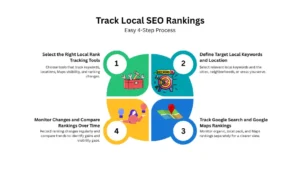
How to Track Your Local SEO Rankings: Step-by-Step
The most reliable approach is to track the same keywords and locations consistently, then compare the results over time.
Step 1: Select the Right Local Rank Tracking Tools
Choose a local rank tracking tool that can monitor keywords by location and show changes in Google Search, the local pack, and Google Maps. Semrush, Ahrefs, BrightLocal, and Whitespark are commonly used local SEO tools for tracking local rankings, competitors, and historical changes.
Google Search Console is also essential, but it serves a different purpose. Its Performance report provides clicks, impressions, CTR, average position, queries, and pages for your site’s Google Search performance.
Use a dedicated tool such as Semrush or BrightLocal for location-specific ranking positions, then use Search Console to understand which queries and pages are generating search visibility and clicks.
Basic Setup: Add your priority keywords to Semrush or BrightLocal, select the city or ZIP codes you serve, and choose both desktop and mobile tracking where available. Use Google Search Console alongside the tracker for organic query and click data.
Step 2: define target local keywords and location
Start with keywords that reflect real customer searches. Include your main services, service-plus-city phrases, neighborhood terms, “near me” searches, and important branded or non-branded queries.
For example, a dental clinic could track:
- dental clinic in Austin
- dental clinic Austin
- emergency dental clinic near me
- best dental clinic Austin
Then define the locations that matter. Depending on the business, these could be a city, ZIP code, neighborhood, or several points across a service area.
Keep the keyword and location set consistent. Changing them every month makes historical comparisons much less useful.
Step 3: track Google search and Google maps rankings
Track organic rankings separately from local pack and Google Maps visibility. These surfaces can produce different results, so combining them into one ranking number can make performance harder to understand.
For each keyword, track location, organic position, local pack position, maps position, previous position, current position, and date checked. This creates a useful baseline before you make major local SEO changes.
A simple tracking sheet could look like this
| Keyword | Location | Organic | Local Pack | Maps | Previous | Current |
| dentist Austin | Austin | 8 | 3 | 4 | 11 | 8 |
| emergency dentist | Austin | 14 | 6 | 7 | 9 | 14 |
Step 4: monitor changes and compare rankings over time
Local rankings naturally move, so focus on trends instead of reacting to every small change.
Compare your current rankings with a previous period and look for patterns:
- Keywords moving into the top 3
- Keywords entering the top 10
- Locations where visibility is improving
- Locations where competitors are gaining ground
- Important keywords that have declined
Search Console can help with historical analysis because you can compare date ranges and review changes in clicks, impressions, CTR, and average position. Google also recommends focusing on trends in impressions and clicks rather than position alone.
How to Track Google Maps Rankings
To track Google Maps rankings accurately, monitor your Business Profile for target keywords from multiple relevant locations and compare visibility over time.
- Choose the local keywords that matter most to your business.
- Select several locations across your actual service area rather than checking only your business address.
- Track where your Business Profile appears in Maps or the local results for those searches.
- Record the results regularly so you can identify upward or downward trends.
- Compare ranking changes with Business Profile interactions, website traffic, calls, or other meaningful actions.
Google Business Profile performance can show how people discover your profile through Search and Maps and what actions they take after finding it. Google’s Business Profile performance data includes searches, views, and customer interactions.
This distinction matters because ranking visibility is not the same as business performance. A stronger Maps position is useful, but the real question is whether that visibility helps customers find and contact the business.
Which Local SEO Metrics Should You Track?
Track rankings alongside visibility and business outcomes. The most useful local SEO metrics include:
- Local keyword positions: Shows where important queries rank in different locations.
- Top 3 and Top 10 keywords: Shows how much high-visibility search coverage you have.
- Maps and local pack visibility: Shows how often your Business Profile appears prominently for local searches.
- Search impressions and clicks: Search Console shows how often your site appeared and how often users clicked it.
- GBP searches and interactions: Business Profile performance helps show how customers discover and interact with your profile.
Also watch calls, direction requests, website visits, and conversions when those actions are relevant to the business. At our AI-powered digital marketing agency, we treat rankings as a visibility metric, not the final measure of SEO success.
How Often Should You Track Local Rankings?
Track rankings weekly or biweekly when you are actively optimizing a website or Google Business Profile. For established campaigns, monthly reporting is usually enough to identify meaningful trends.
Use the same keywords, locations, and tracking settings each time. This makes your reports comparable and helps you distinguish genuine changes from normal local ranking fluctuations.
A simple monthly routine is:
Week 1: Review keyword and Maps rankings.
Week 2: Check major gains and declines.
Week 3: Compare Search Console and Business Profile data.
Week 4: Identify locations and keywords that need attention.
This creates a repeatable process instead of checking rankings randomly whenever you remember.
Conclusion
Tracking local SEO rankings is more useful when you stop treating ranking position as a single number. Track important keywords across the locations you serve, separate organic and Maps visibility, and compare results consistently.
Use local rank tracking tools for location-specific rankings, then combine those insights with Search Console and Google Business Profile data. This gives you a clearer picture of where your local visibility is improving and where your SEO strategy needs attention.
For businesses managing local search as part of a wider SEO strategy, Crawl Vision uses this same measurement approach alongside local search optimization to identify ranking gaps and opportunities for stronger local visibility.

