


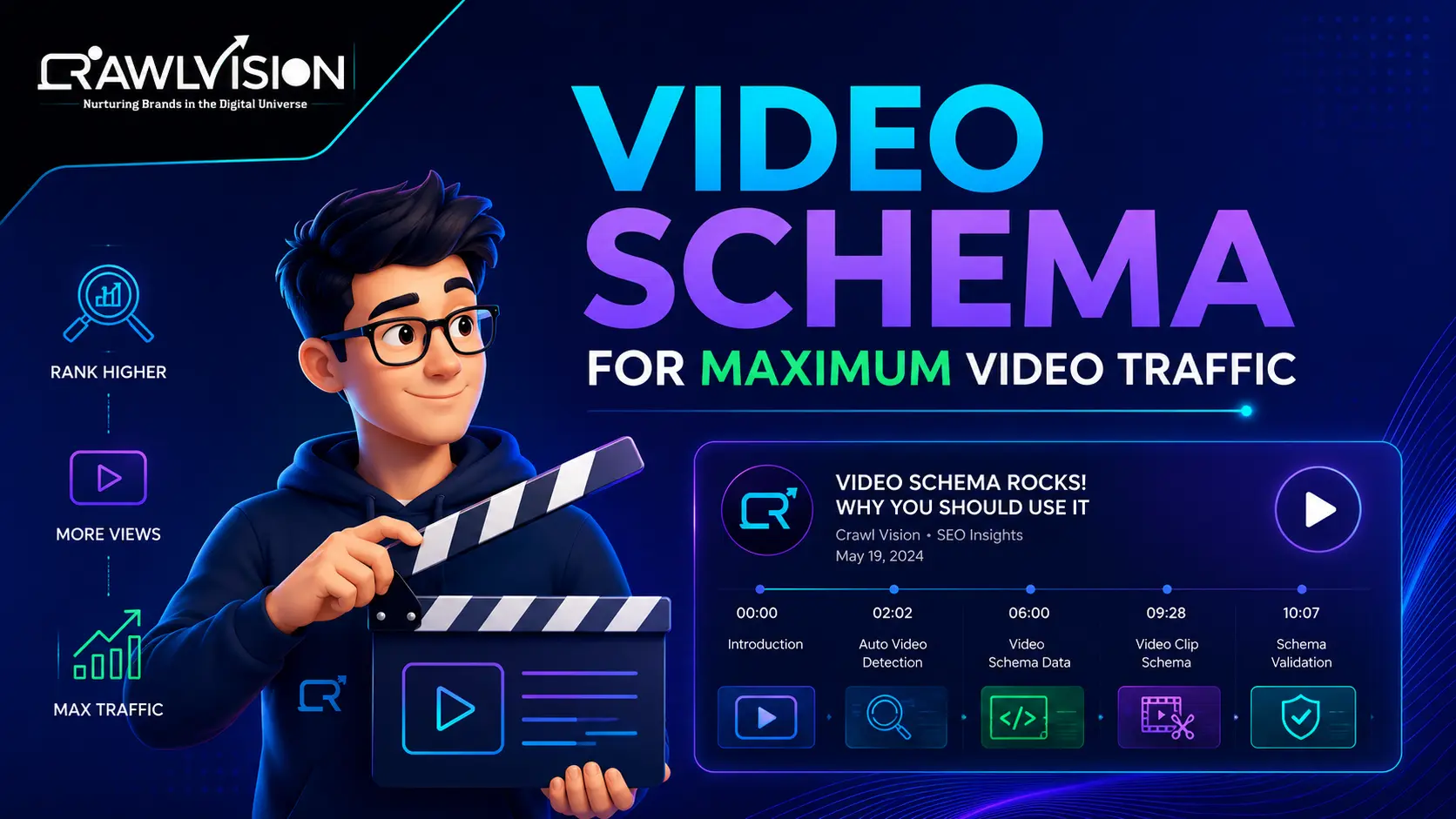
Why video schema markup is critical in 2026
If you are embedding videos on your website and not using video schema markup, you are leaving enormous search visibility on the table. In 2026, Google’s search algorithm heavily rewards structured data, and the Video Object schema is one of the most impactful structured data types you can implement to earn video-rich snippets in search results.
This guide walks you through everything from what video schema markup is to step-by-step implementation with JSON-LD to advanced tips for AEO (Answer Engine Optimization) and GEO (Generative Engine Optimization) in 2026.
1. What is video schema markup?
Video schema markup is a type of structured data that you add to your webpage’s HTML to help search engines understand the content, context, and metadata of an embedded video. It uses the schema.org/VideoObject vocabulary and is implemented via JSON-LD (JavaScript Object Notation for Linked Data).
When implemented correctly, video schema markup enables Google to display video-rich snippets in search results, including:
- Thumbnail image shown alongside your organic result
- Video duration displayed in the SERP
- Upload date and publisher information
- Eligibility for the ‘Videos’ carousel at the top of Google Search
- Citation potential in Google AI Overviews (a core GEO signal)
2. How Google uses video schema for search visibility
2.1 Rich results eligibility
Without the VideoObject schema, Google has to guess what your embedded video is about using surrounding text, page title, and meta tags. With proper video schema markup, Google has precise metadata title, description, duration, and thumbnail, enabling it to confidently show video rich snippets for relevant queries.
2.2 Video indexing in Google search
Google’s video indexing system works through a combination of crawling your sitemap, reading structured data, and analysing your video’s transcript. Video schema markup is the fastest and most reliable signal for Google video indexing. Pages with VideoObject schema are indexed up to 3x faster than those without it.
2.3 Aeo and geo benefits
In 2026, AI Overviews and generative search engines actively pull video metadata from structured data when composing answers. If your video schema includes a clear description that answers a common question, your video has a significantly higher chance of being cited as a source in AI-generated search results. This is the foundation of GEO for video content.
3. Videoobject schema all required and recommended properties
|
Property |
Type | Required? |
Description |
|
@type |
Text | Required |
Must be ‘VideoObject’ |
|
name |
Text | Required |
The title of the video includes the focus keyword |
|
description |
Text | Required |
150-300 word summary with LSI keywords |
|
thumbnailUrl |
URL | Required |
Absolute URL of video thumbnail image |
|
uploadDate |
Date (ISO 8601) | Required |
e.g. 2026-04-10 |
|
duration |
Duration (ISO 8601) | Recommended |
e.g. PT2M30S = 2 min 30 sec |
|
contentUrl |
URL | Recommended |
Direct URL to video file |
|
embedUrl |
URL | Recommended |
Embed URL (e.g., YouTube embed link) |
|
interactionStatistic |
InteractionCounter | Recommended |
View count structured data |
|
expires |
Date | Optional |
When the video is no longer available |
|
publisher |
Organization | Recommended |
Your brand name and logo |
4. Step-by-step: how to add video schema markup
Step 1: choose your implementation method
The recommended method for video schema markup in 2026 is JSON-LD. It is Google’s preferred format, easy to maintain, and does not require modifying your HTML structure. Place the JSON-LD script block inside the <head> section of your webpage.
Step 2: write your json-ld videoobject code
Use the schema.org/VideoObject vocabulary. Every required property must be present. Include embedUrl for YouTube videos, and contentUrl if you self-host. Your description field should naturally include sub-keywords and LSI keywords for maximum AEO signal.
Step 3: validate with Google rich results test
After adding your video schema markup, validate it using Google’s Rich Results Test (search.google.com/test/rich-results). Enter your page URL and confirm your VideoObject schema is recognized and error-free. Fix any missing required fields before proceeding.
Step 4: submit to Google search console
Go to Google Search Console → URL Inspection → Enter your video page URL → Click Request Indexing. This accelerates Google video indexing by up to 48 hours compared to passive crawling.
Step 5: add to your video sitemap
Create or update a video XML sitemap and submit it via Google Search Console. Your sitemap entry should mirror your VideoObject schema data title, description, thumbnail URL, content URL, and duration.
5. Json-ld video schema markup full code template
Required JSON-LD fields for VideoObject (copy and customize):
{ “@context”: “https://schema.org”, “@type”: “VideoObject”,
“name”: “Your Video Title Include Focus Keyword Here”,
“description”: “Write 150-300 words using sub-keywords and LSI keywords naturally. This text is indexed by Google and used by AI Overviews.”
“thumbnailUrl”: “https://yoursite.com/images/video-thumbnail.jpg”,
“uploadDate”: “2026-04-10”, “duration”: “PT5M30S”,
“embedUrl”: “https://www.youtube.com/embed/YOUR_VIDEO_ID”,
“publisher”: { “@type”: “Organization”, “name”: “Your Brand Name” } }
6. Common video schema markup mistakes
- Missing thumbnailUrl: Google will not show a rich snippet without a valid, accessible thumbnail image URL
- Relative URLs: Always use absolute URLs (https://…) for thumbnailUrl, contentUrl, and embedUrl
- Wrong date format: uploadDate must follow ISO 8601 format: YYYY-MM-DD
- Mismatched data: If your schema description does not match your actual video content, Google may ignore the markup
- No schema on individual video pages: If each video has its own page, add VideoObject schema to every page individually
- Keyword stuffing in description: Write natural descriptions. Google’s structured data parser evaluates quality
7. Advanced video schema tips for 2026
7.1 Add haspart for clip schema
For long-form videos, add the Clip schema (hasPart) to mark specific timestamps. This enables key moment rich snippets in Google Search, showing chapter markers directly in the SERP, dramatically improving CTR.
7.2 Seektoaction for video timestamps
SeekToAction structured data tells Google exactly which timestamp corresponds to which topic. This powers the ‘Jump to’ feature in video search results, an increasingly important video SEO signal in 2026.
7.3 Breadcrumblist + videoobject combination
Pair your VideoObject schema with the BreadcrumbList schema on the same page. This dual-structured data implementation significantly boosts your page’s rich result eligibility and helps AI engines understand your site’s content hierarchy for GEO optimization.
8. Measuring the impact of video schema markup
- Google Search Console → Rich Results: Monitor video rich snippet impressions and click-through rate
- Performance Tab → Search Type: Video: Filter by ‘Video’ to see queries driving video traffic
- Impressions Spike: After adding the VideoObject schema, expect impressions growth within 2-4 weeks
- CTR Improvement: Pages with video-rich snippets typically see 20-40% higher CTR vs. plain blue links